













Skip to content

Your entertainment.Across every screen.

One player, designed for the TV, the phone, the tablet and the desktop. Bring the service you already subscribe to.

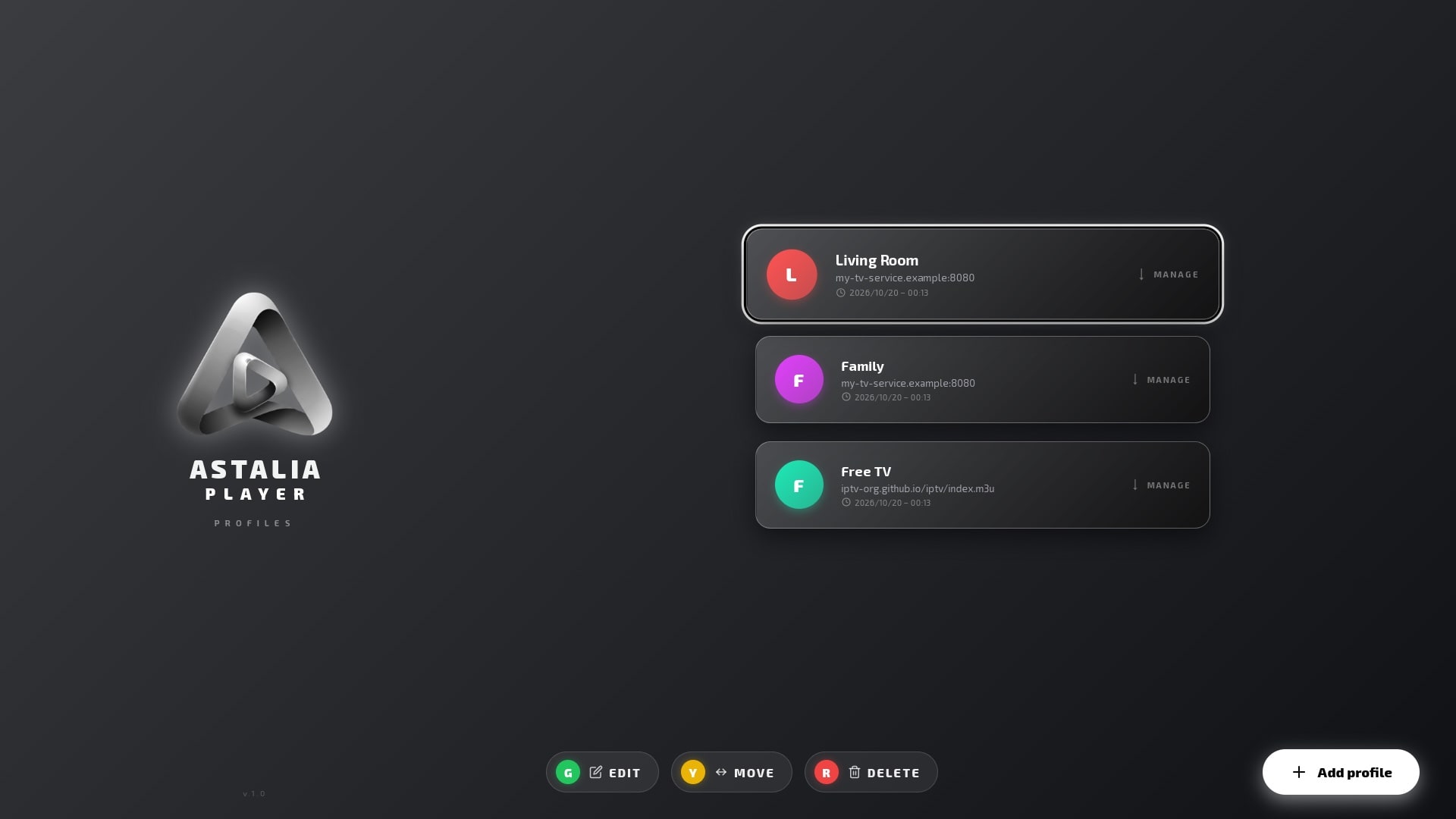
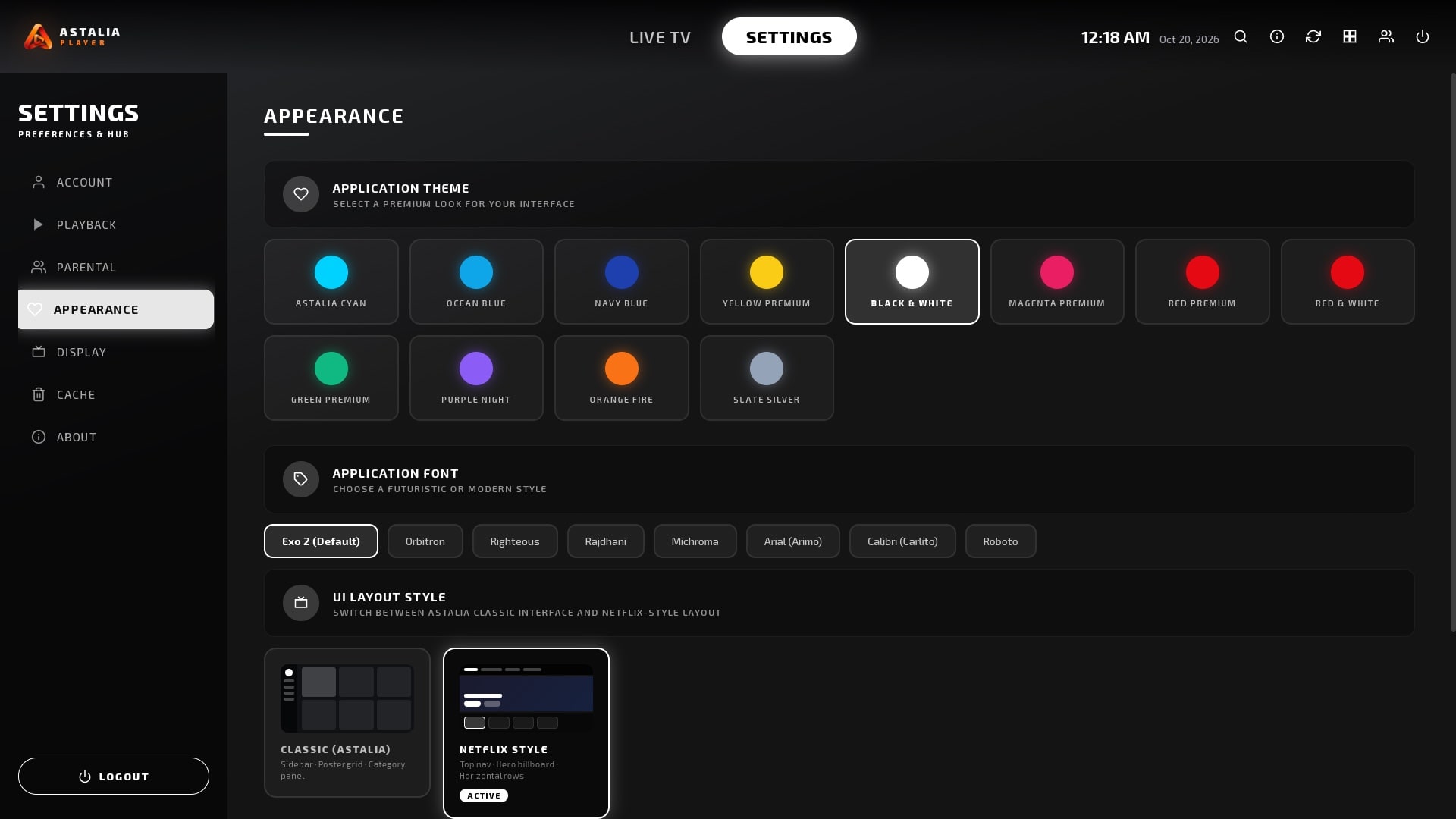
TV: real screenshot from the LG app · Phone: design concept

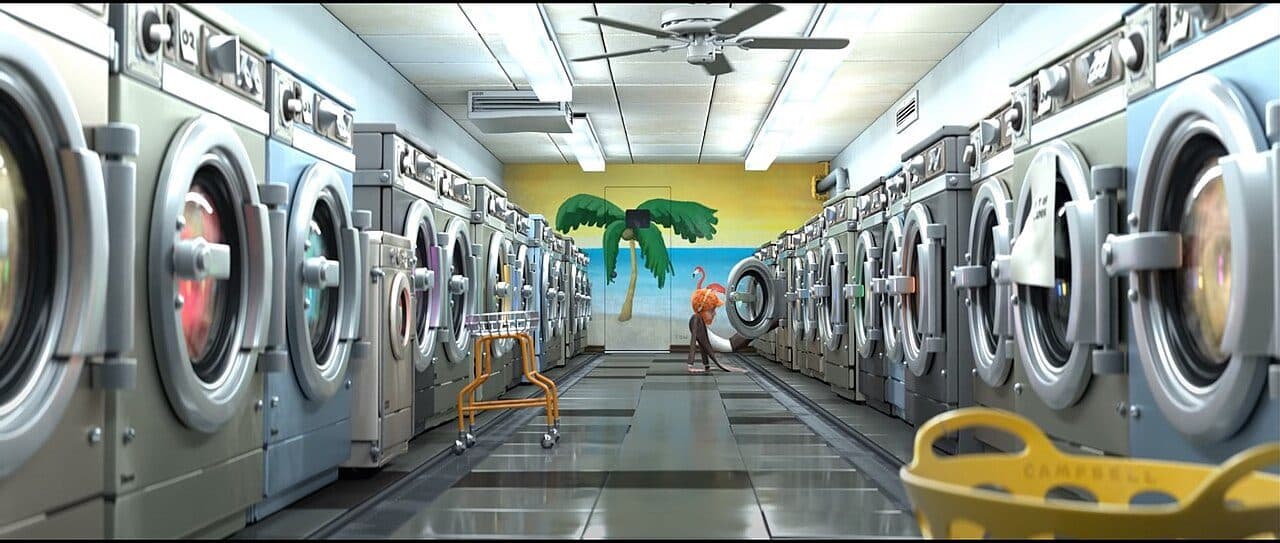
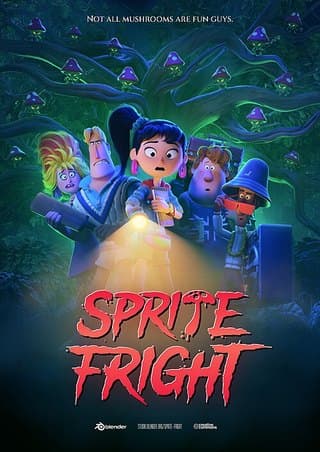
Demo content: Blender Foundation (CC BY)

01Platforms

One experience, shaped for every screen.

AstaliaPlayer starts on the TV, where the interface is finished and with LG for approval. The same experience is being designed for phones, tablets and computers, each built around how you hold or control it.

LG TV

webOS smart TVs, 2020 models and later

Real screenshot
Awaiting LG approval

iPhone

Touch, portrait first

Design concept
In development

Tablets

Touch, landscape and portrait

Design concept
In development

Android phones

Touch, portrait first

Design concept
In development

Android TV

TVs and streaming boxes

Design concept
In development

Windows

Pointer and keyboard

Design concept
In development

macOS

Pointer and keyboard

Design concept
In development

02Availability

Where it stands today

The TV app is finished and submitted. The other platforms are being built. This page will always say exactly where each one is.

Nothing to download yet

AstaliaPlayer is not in any app store today. When a version is released, this page will link to its official store listing.

  • LG TV

    webOS smart TVs, 2020 models and later

    Awaiting LG approval

    Finished and submitted to the LG Content Store. It becomes available once LG approves it.

    Store
    LG Content Store
    Price
    Free, no ads
    Works with
    Xtream Codes, M3U playlists
  • Android TV

    TVs and streaming boxes

    The remote-first TV interface, being brought to Android TV.

    In development
  • Android phones

    Touch, portrait first

    A touch interface designed around one-handed use.

    In development
  • iPhone

    Touch, portrait first

    The same touch interface, designed for iPhone.

    In development
  • Tablets

    Touch, landscape and portrait

    More room for artwork, built for touch.

    In development
  • Windows

    Pointer and keyboard

    A desktop app designed for the pointer and the keyboard.

    In development
  • macOS

    Pointer and keyboard

    A desktop app designed for the Mac.

    In development

03The player

A closer look at the TV app

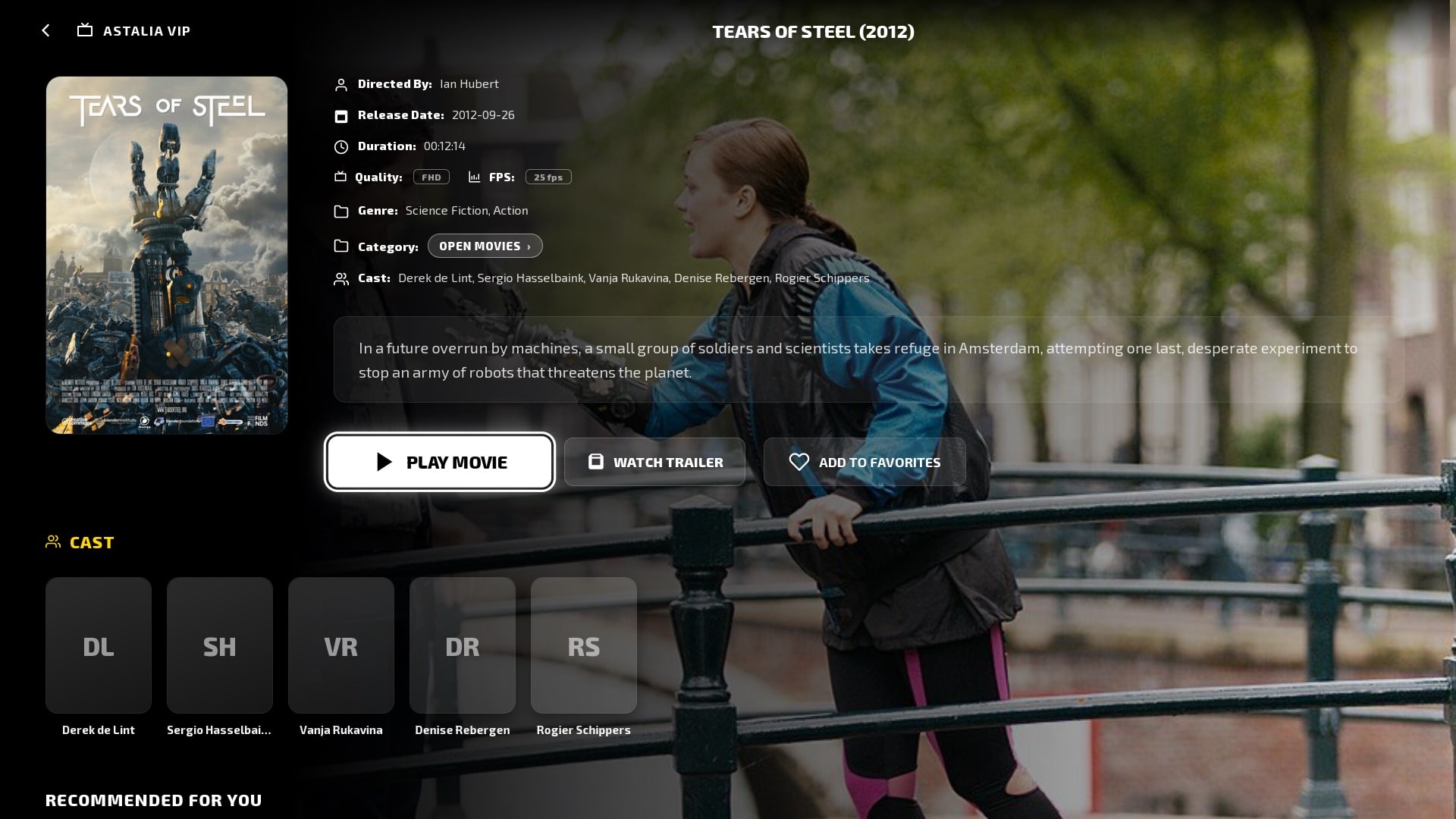
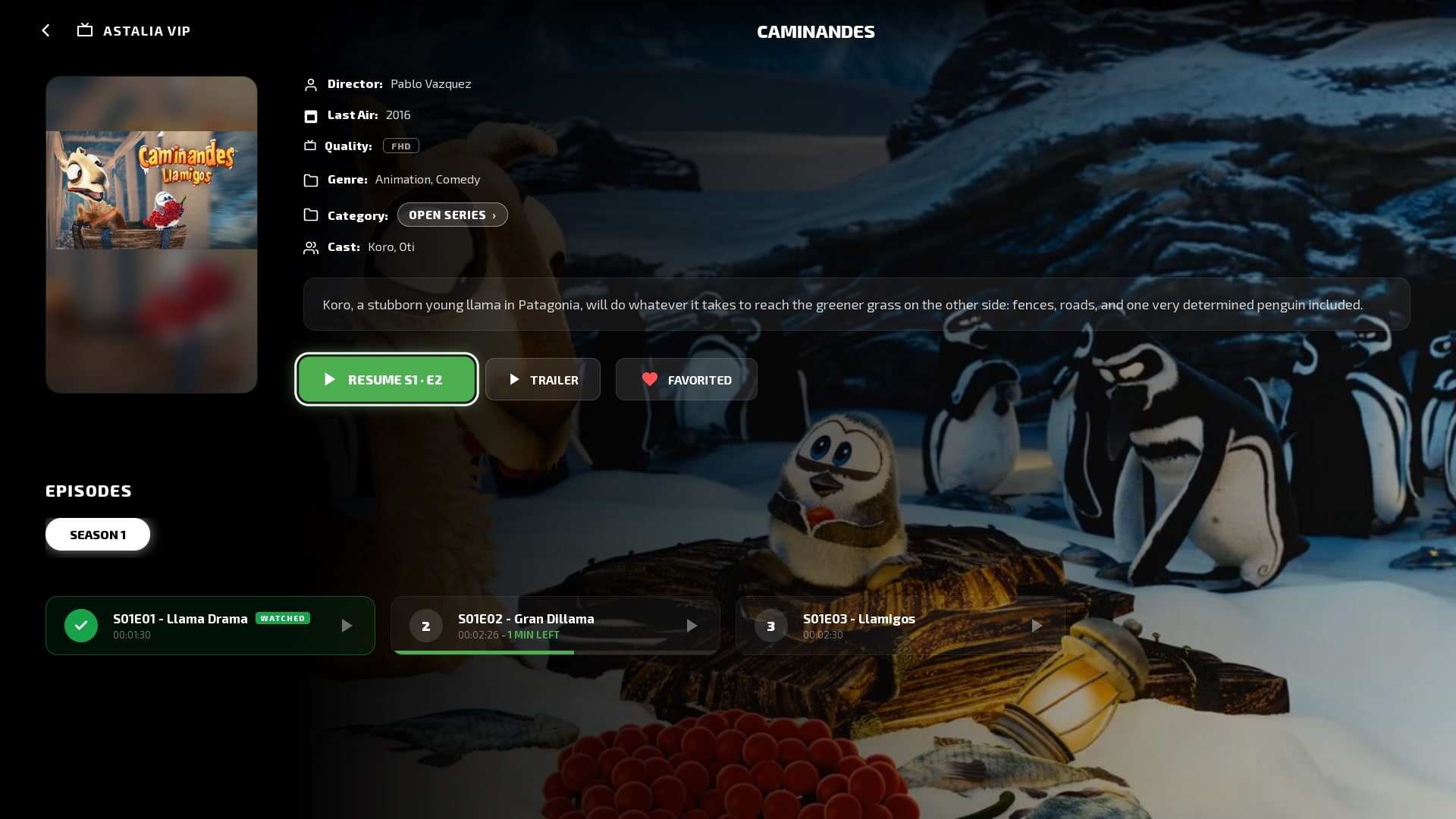
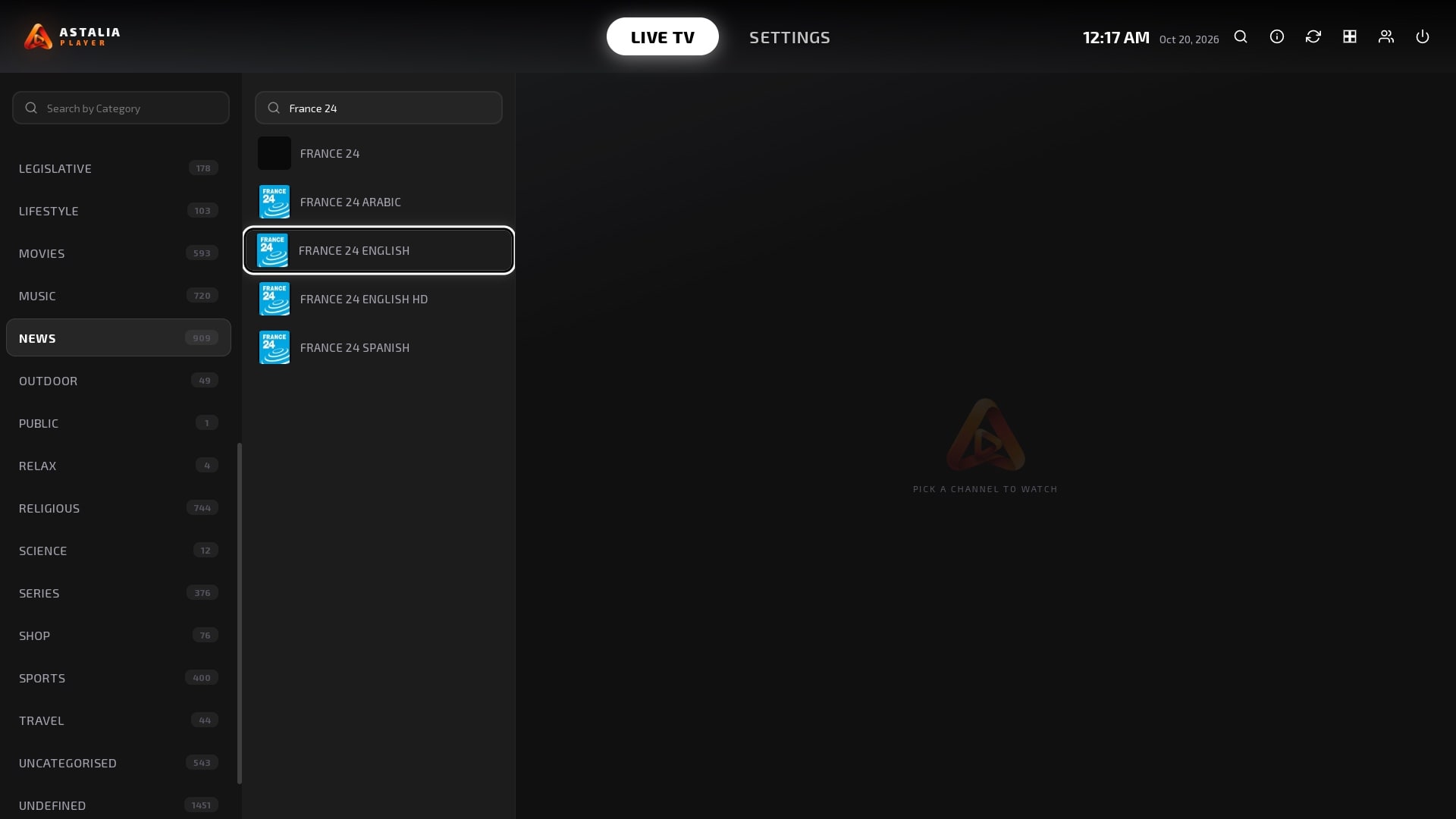
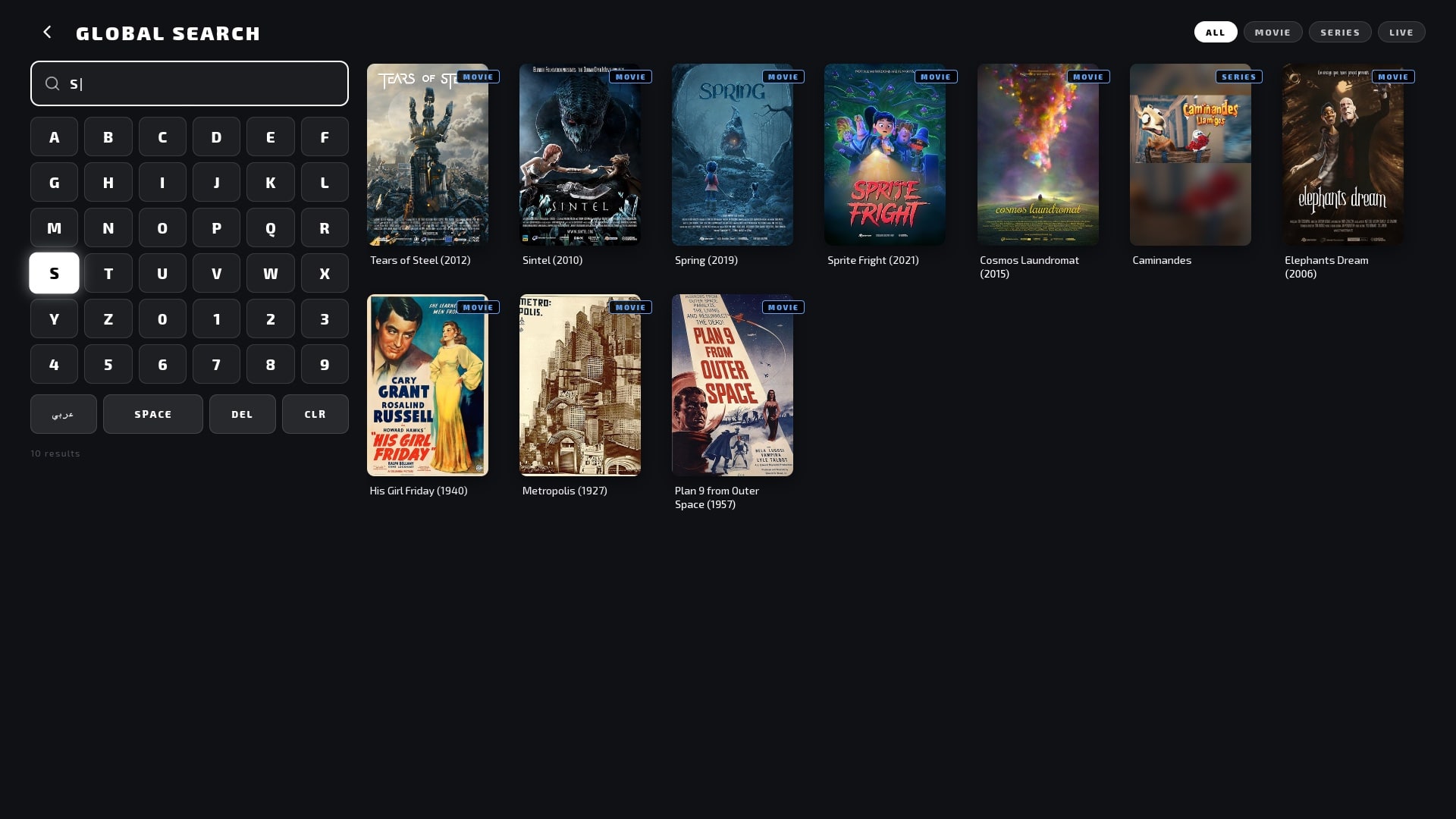
Every screen here is a real screenshot from the LG app, captured on a TV. Open movies and public-domain classics stand in for your service's catalogue.
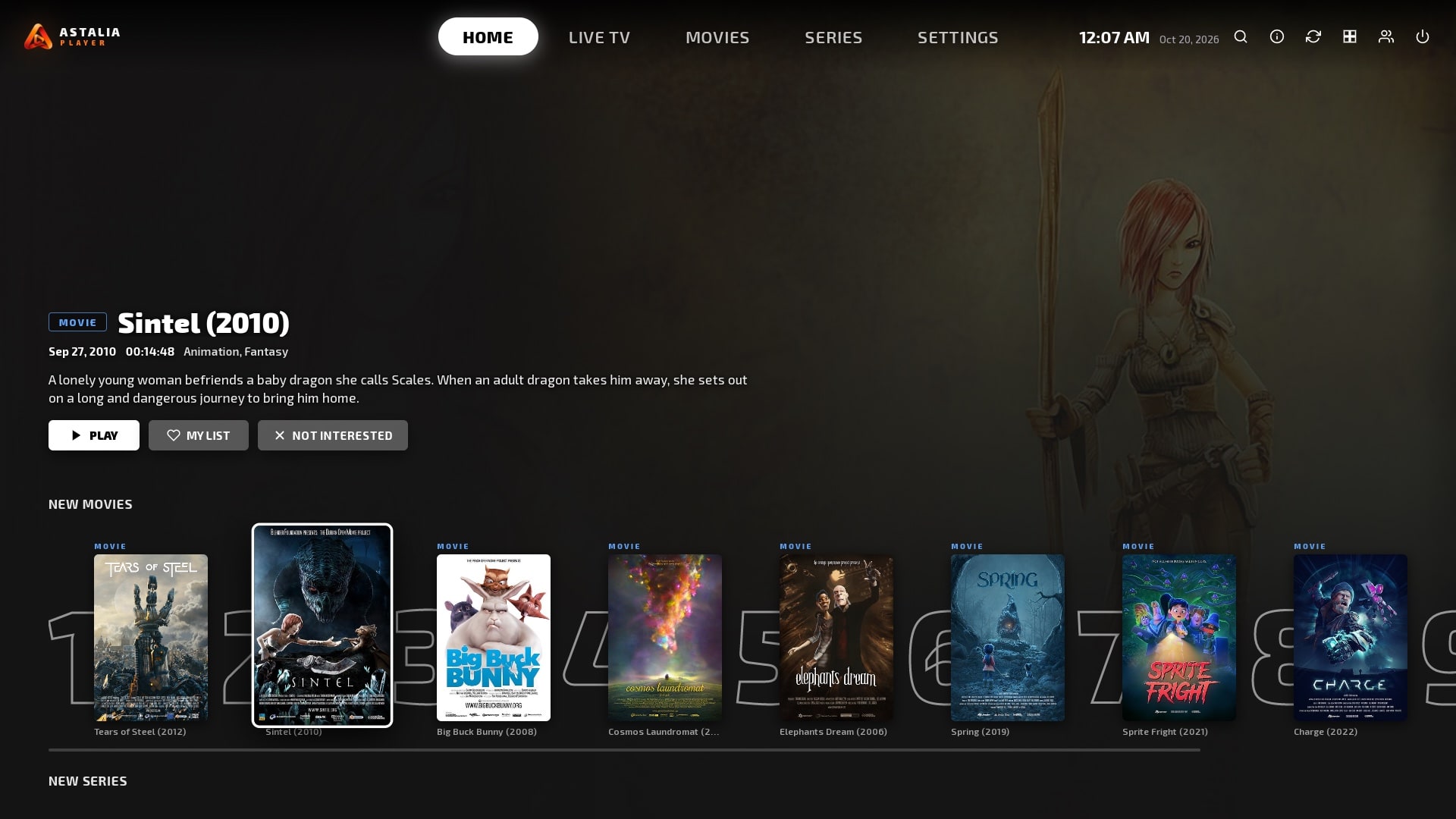
AstaliaPlayer on an LG TV: Home screen

A home screen that starts with the picture

Featured titles fill the screen, with rows of new movies and series beneath. Not interested hides a title from your rows; in Movies and Series, View All opens any category as a full grid.

Everything in the LG app today

Watch

  • Live TVChannels sorted into categories, with search and favourites.
  • Movies and seriesArtwork, cast, trailers and recommendations for every title.
  • Continue WatchingPicks up where you stopped, down to the episode, with watched marks on each one.
  • Categories inside titlesOpen a movie's or series' category straight from its page.

Find

  • Fast searchAn on-screen keyboard laid out for the remote, in English and Arabic.
  • View AllIn Movies and Series, open any category row as a full grid with one press.
  • Not interestedHide a title from your rows, and bring it back any time.

Make it yours

  • ProfilesEveryone at home gets their own favourites and history.
  • Sync across devicesFavourites, progress and profiles sync in the background to every device signed in with the same service.
  • Themes and layoutsTwelve colour themes, a choice of fonts and two layout styles.

Stay in control

  • Parental PINLock any category behind a PIN.
  • Automatic refreshMovies and series update in the background: daily, every 3 days, weekly or monthly.
  • Days leftYour subscription's days left and expiry date, flagged in amber in the final week.

A player, not a provider

AstaliaPlayer includes no channels, films or series. Add the service you already subscribe to: it works with services that support Xtream Codes or M3U playlists.

  • Xtream Codes
  • M3U playlists

04Designed for every screen

Each screen gets its own interface

A TV is used from the sofa with a remote, a phone with one thumb, a computer with a pointer and a keyboard. AstaliaPlayer is designed for each of them, rather than stretched to fit.
Try the D-pad
TV · LG

Made for the remote

Every TV screen is laid out for the D-pad: a clear focus ring, predictable movement and text you can read from across the room.

Illustration of the LG app
Phones · Tablets

Made for touch

On phones and tablets the interface is being designed for fingers: bigger targets, rows you swipe, and layouts for portrait and landscape.

Design concept
Windows · macOS

Made for the desk

On Windows and macOS it is planned around the pointer and the keyboard, with room to show more at once.

Design concept
The Astalia mark

05The Astalia ecosystem

Part of AstaliaHub

AstaliaPlayer is one of the projects of AstaliaHub, an independent ecosystem of technology, creativity and experiences, built around ideas with purpose.

Visit AstaliaHub